 Mailbox Client
MBOX import
Import one or many .mbox files from Google Takeout, Thunderbird, Apple Mail or any client that exports the standard format.

Mailbox Client is a native macOS app to import, read and search your MBOX archives. Local-first. Private by design. On-device AI when your Mac supports it.
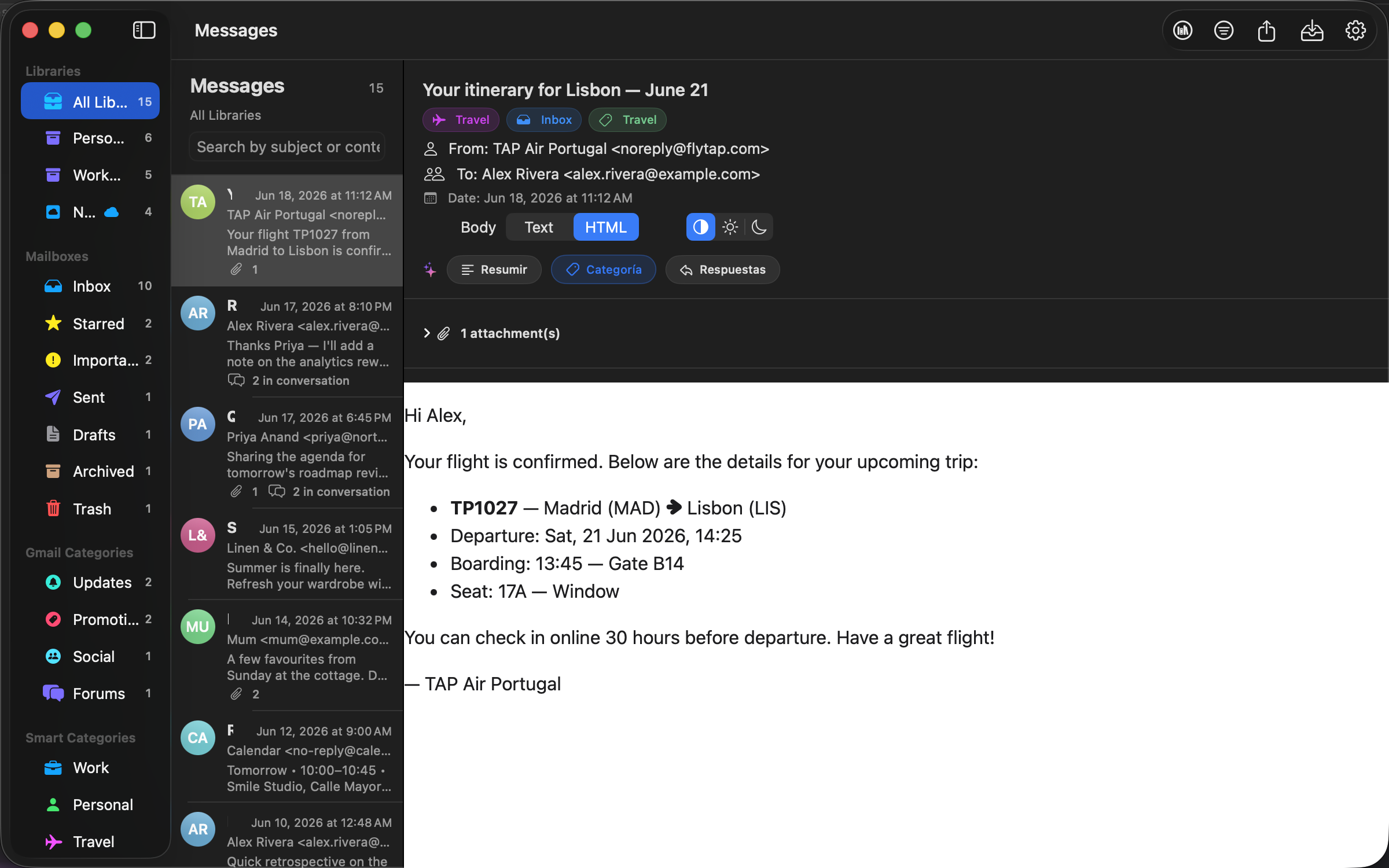
From Google Takeout to a fast, private desktop mailbox in seconds. Nine focused capabilities, all local-first.
Import one or many .mbox files from Google Takeout, Thunderbird, Apple Mail or any client that exports the standard format.
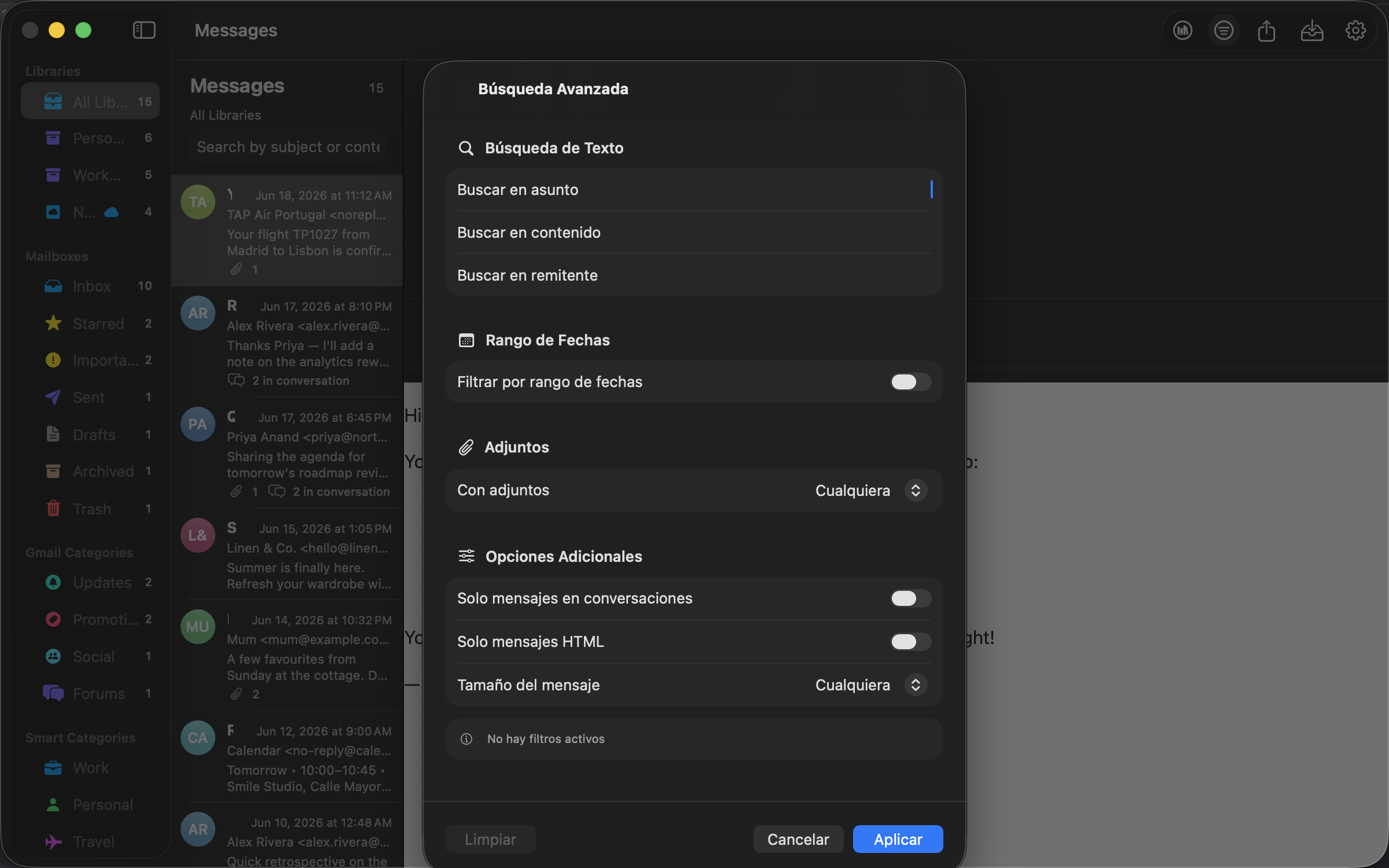
Tokenized inverted index over subject, sender, recipients, body, labels and attachment names. Updated incrementally with every import.
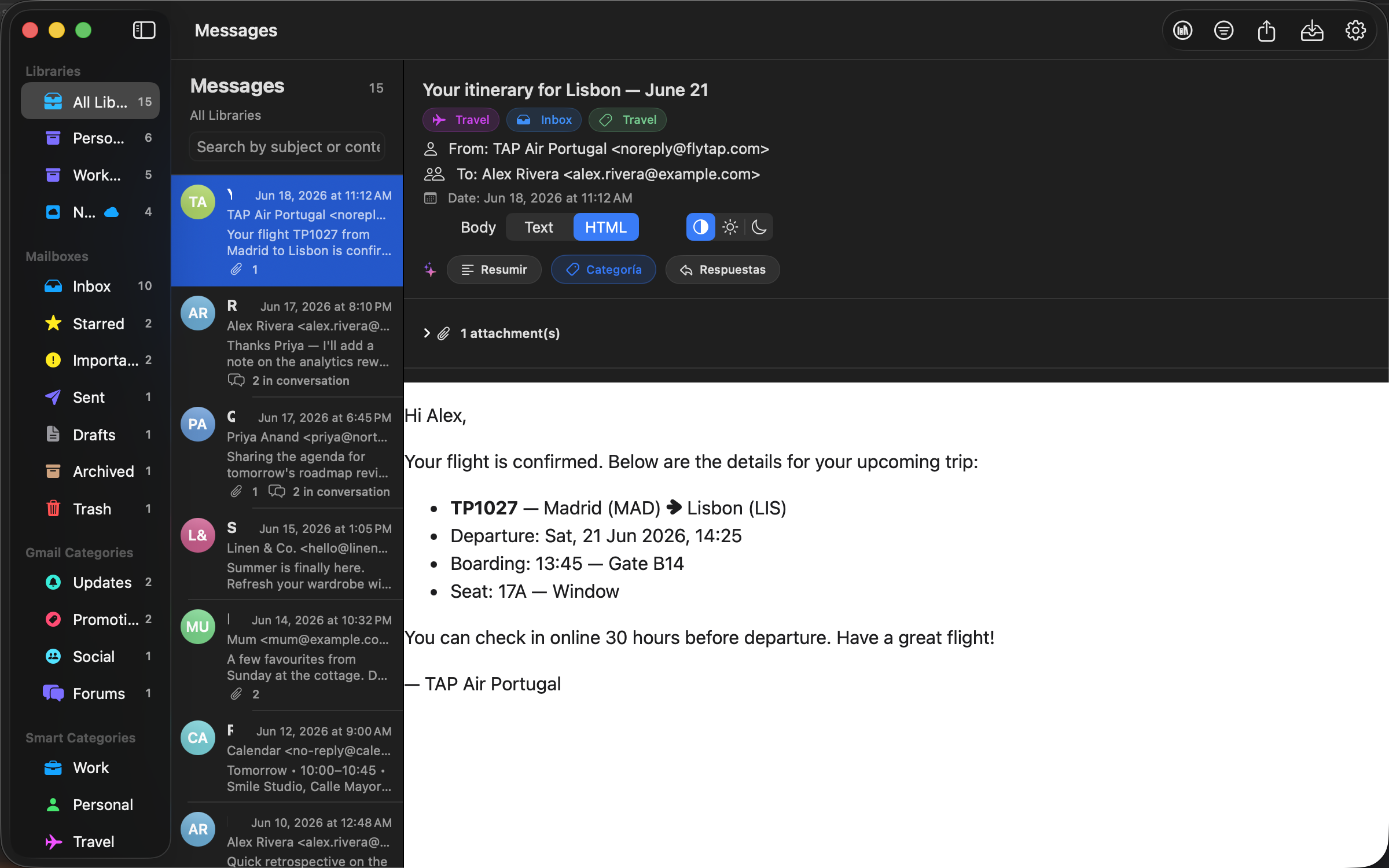
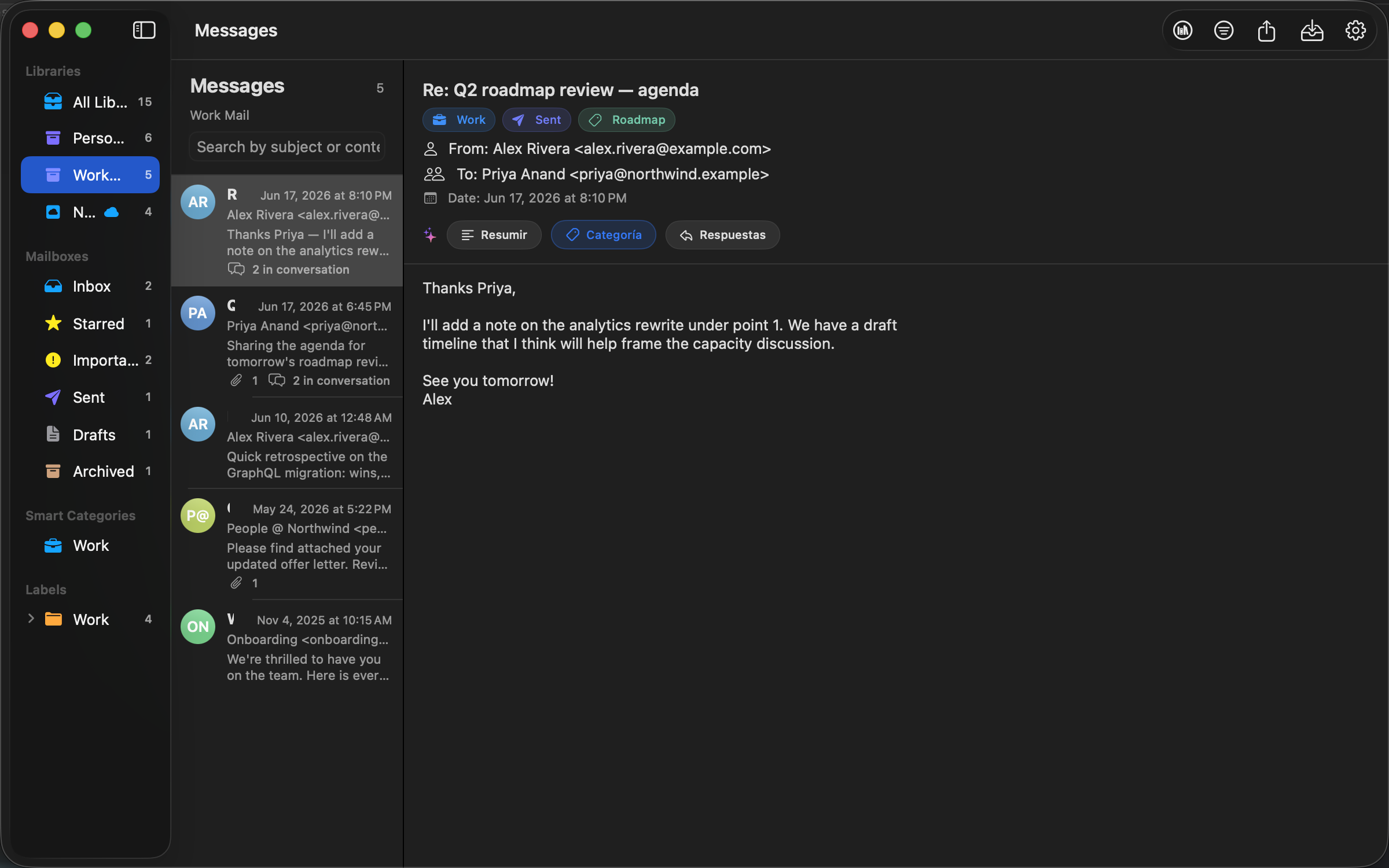
Each MBOX becomes a named library. Gmail labels are preserved and turned into filters in the sidebar.
Switch between plain text and rendered HTML on every message. Inline cid: images are resolved from attachments.
List every attachment per message with file name, size and MIME type. Save any of them to disk with the standard macOS save panel.
On Apple silicon and macOS 15.4+, summarize emails, detect category and sentiment, and get reply suggestions — all on device.
Optionally index your archive into Core Spotlight to search messages from ⌘ Space without opening the app.
Opt in to sync libraries and messages between Macs via your private CloudKit database. Off by default.
No analytics, no ads, no tracking. Your messages stay on your Mac unless you explicitly enable iCloud sync.
A few snapshots of the app on macOS. Same archive, native interface, zero cloud round-trips.
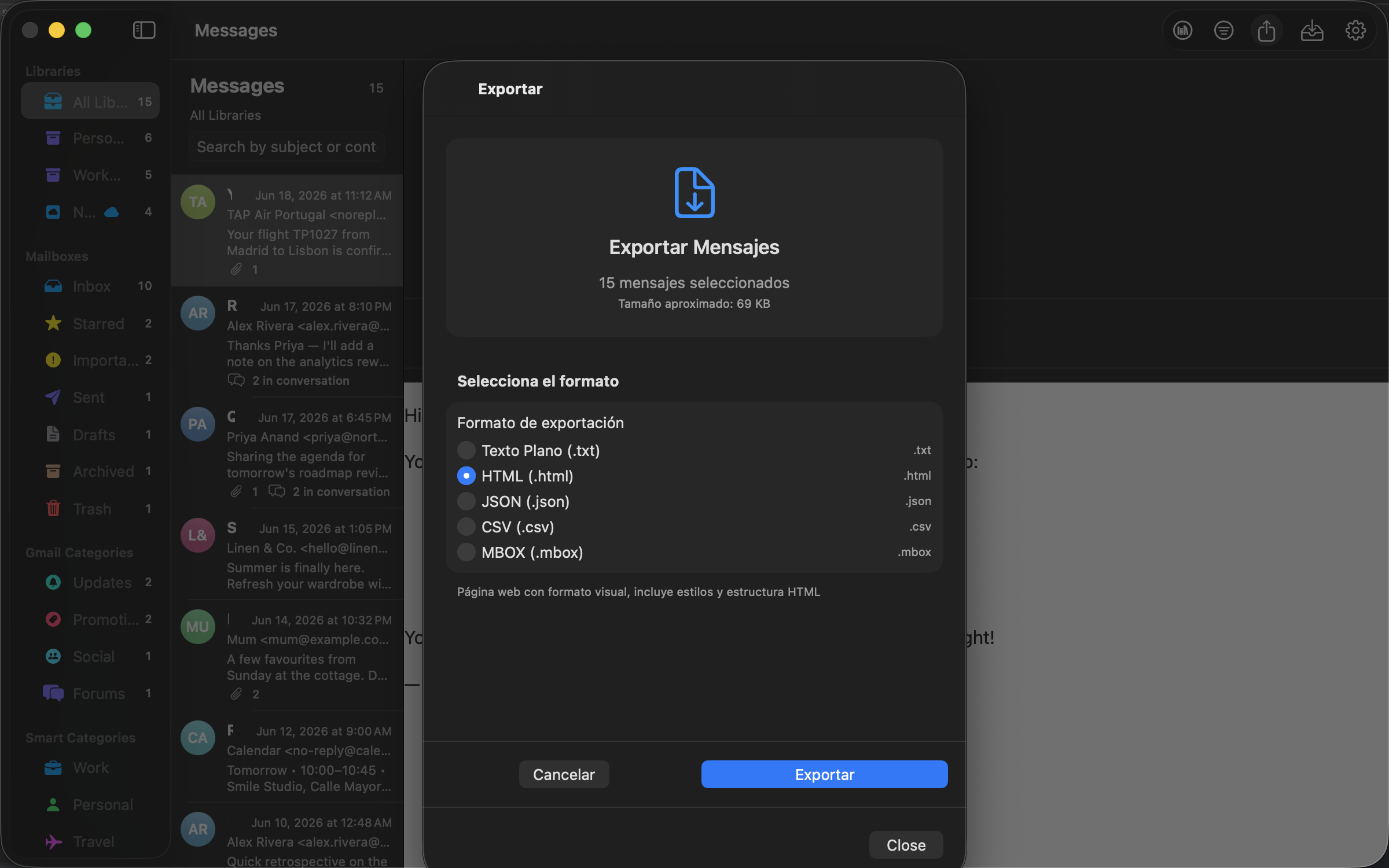
On Apple silicon Macs running macOS 15.4 or newer, Mailbox Client taps into Apple's Foundation Models framework for fast, private inference.
100%
On device
0
Bytes uploaded
9
Categories
3
Reply tones
Mailbox Client is offline-first. No analytics. No third-party SDKs. No telemetry pings. Outbound connections only happen when you explicitly opt in to iCloud sync, or when you choose the HTML view of a message with remote images.
~/Library/Application Support/ and a local SwiftData store.0
Trackers
0
Ads
0
3rd-party services
11
Languages
Export from Gmail, drop the file in Mailbox Client, start reading.
Open Google Takeout, deselect everything, pick Mail, choose the MBOX format and download the archive.
Get the app from the Mac App Store, or build it from source with Xcode 16+ for development.
Click Import MBOX… in the toolbar, pick one or more files, and your messages are searchable instantly.